Xarra! Press Kit
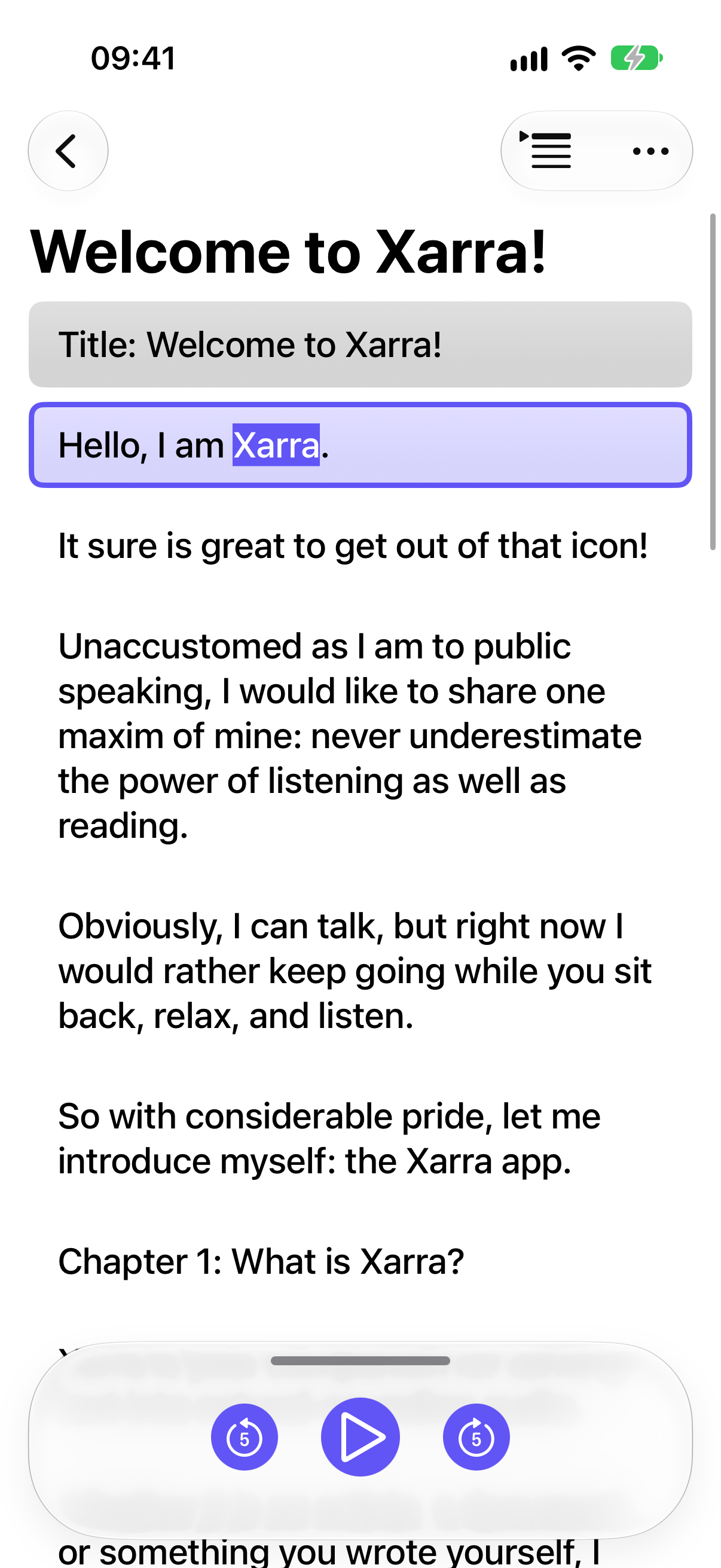
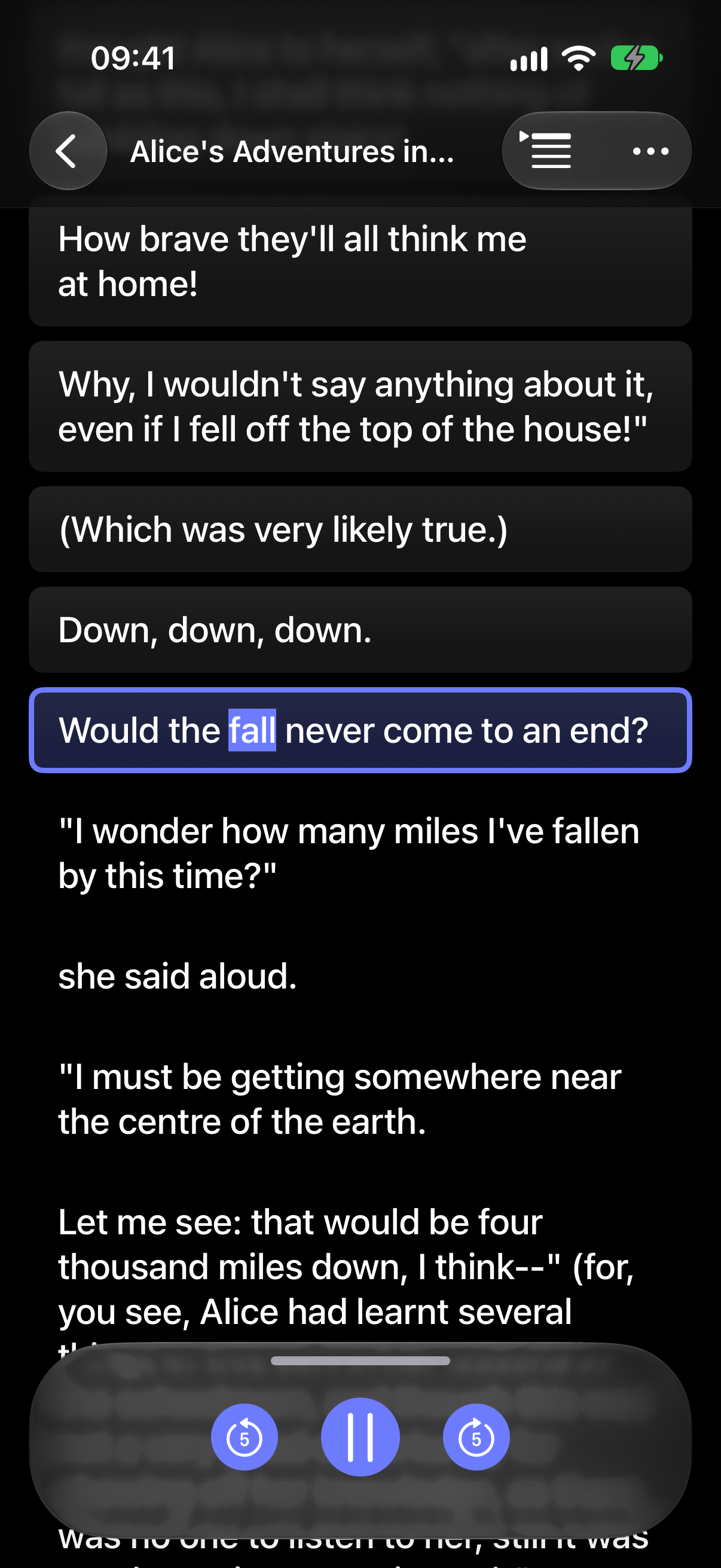
Xarra turns text into audio with synchronized line highlighting, so people can read, listen, or do both.


At a glance
Price
Free download. Premium: US $1.99/month, $9.99/year, or $29.99 lifetime. Regional pricing aims to reflect local purchasing power.
Platforms
iPhone — including iPhone Duo — iPad, Mac, and Apple Vision Pro; OS version 26.0 or later on each platform
Availability
Available now on the App Store; first released March 2026
Developer
Dani Devesa Derksen-Staats, independent developer behind Accessibility up to 11!, from Xàbia and based in London
Privacy
No account, ads, analytics, or tracking. Documents stay on device and can sync through the user's private iCloud account.
Giving back
10% of subscription proceeds are donated to AMMEC, a Valencia-based nonprofit supporting people with physical disabilities and their families.

About Xarra!
Xarra (pronounced "CHA-rra") comes from a Valencian/Catalan word meaning "to chat" or "to talk".
One sentence
Xarra turns articles, books, and documents into audio while highlighting the text in sync, so people can read, listen, or do both.
In brief
Import an article, PDF, EPUB, Markdown file, DAISY text publication, URL, or your own writing. Read on screen, listen with Apple voices, or combine both. Xarra highlights the current line as it reads; spoken words can also be underlined or highlighted with a background, or left unmarked. Chapters and iCloud progress sync help you pick up where you left off. Xarra adapts to iPhone Duo and, on supported systems, integrates library discovery and playback with Siri, Spotlight, and Shortcuts.
The story
Dani, in his own words:
I built Xarra because I was finding it harder to get through long pieces of text, especially on a screen. Listening while reading helped me stay with it; seeing the current line and each spoken word highlighted helped even more. I read more, understand better, and go back less often — and I can keep going on a walk or while doing chores. Xarra grew out of wanting one place to read, listen, or do both, without losing my place.
From the start, accessibility and a native Apple experience were at the heart of it: meet people where they are, rather than asking them to adapt. I hope it helps more people get through their reading in whatever way works for them.
Key features
Import content
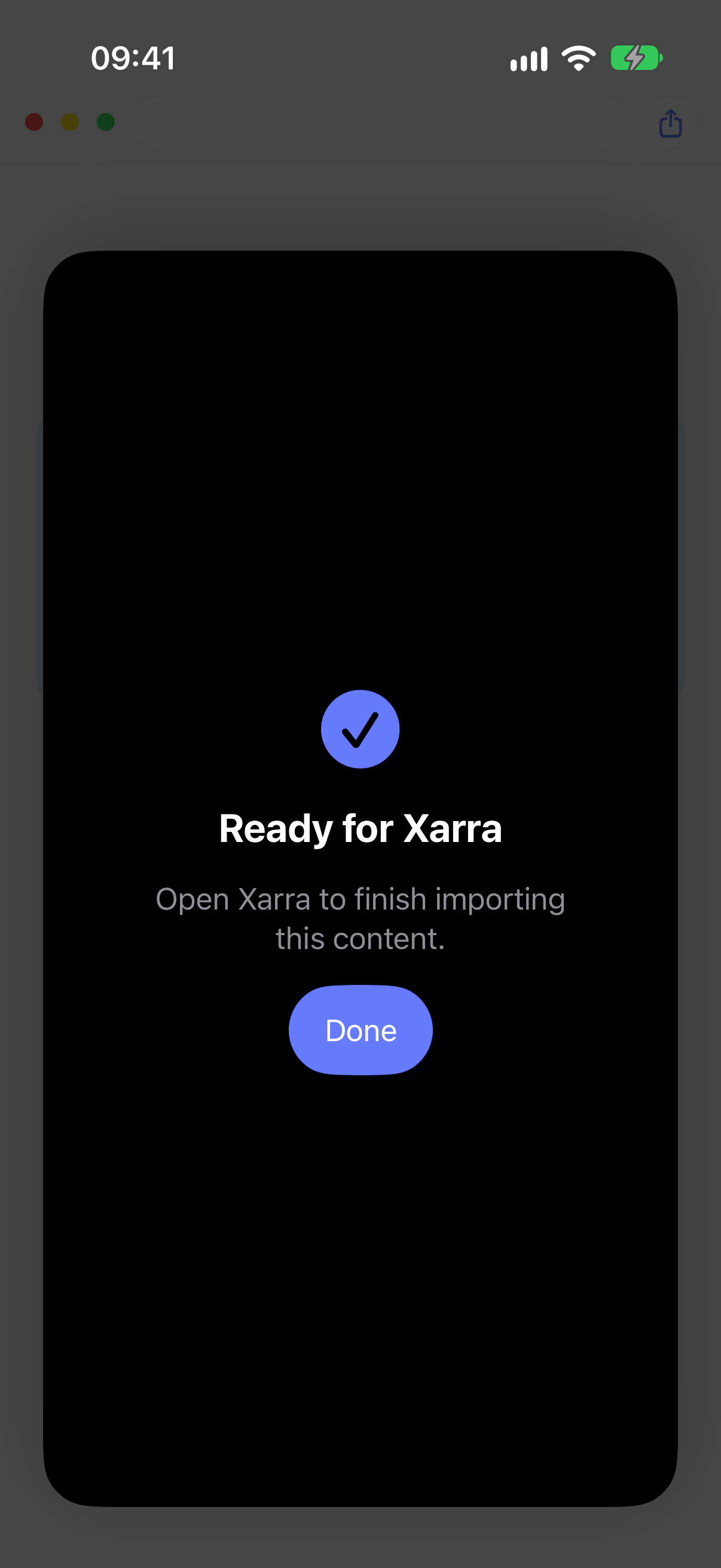
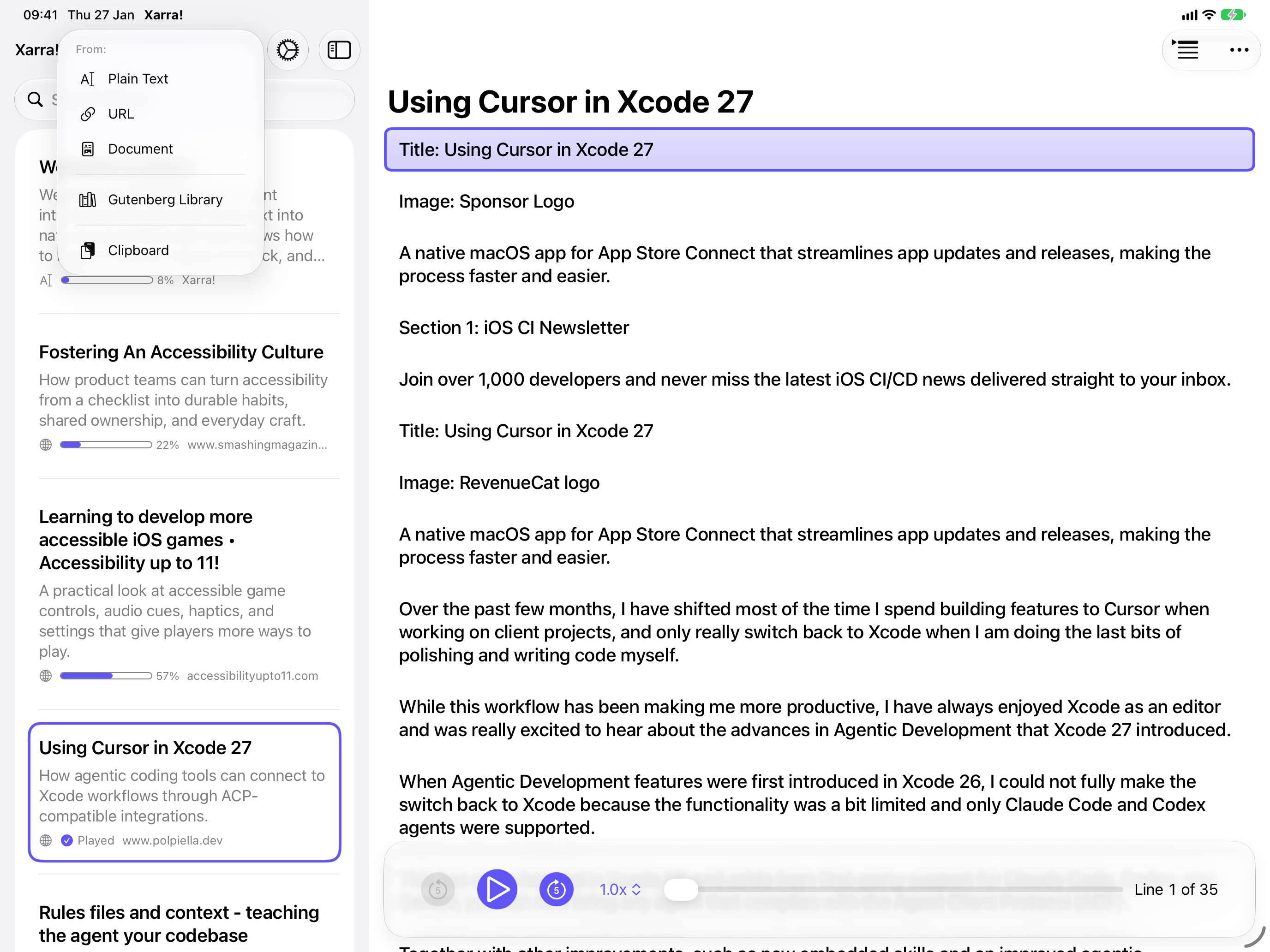
Import PDF, EPUB, Markdown, DAISY, plain text, and other documents; share from another app, paste text, add a URL, or browse Project Gutenberg.
Follow the text
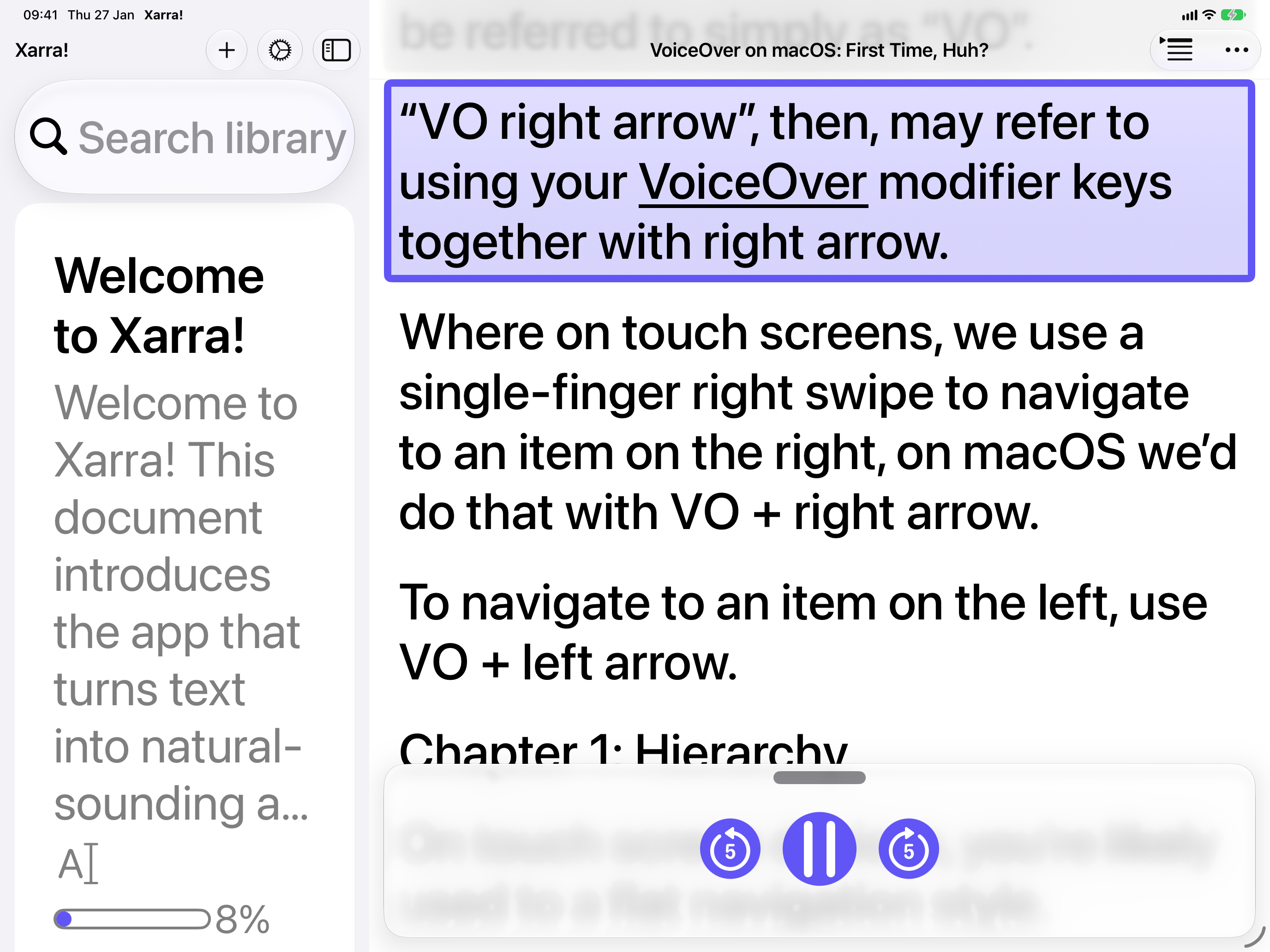
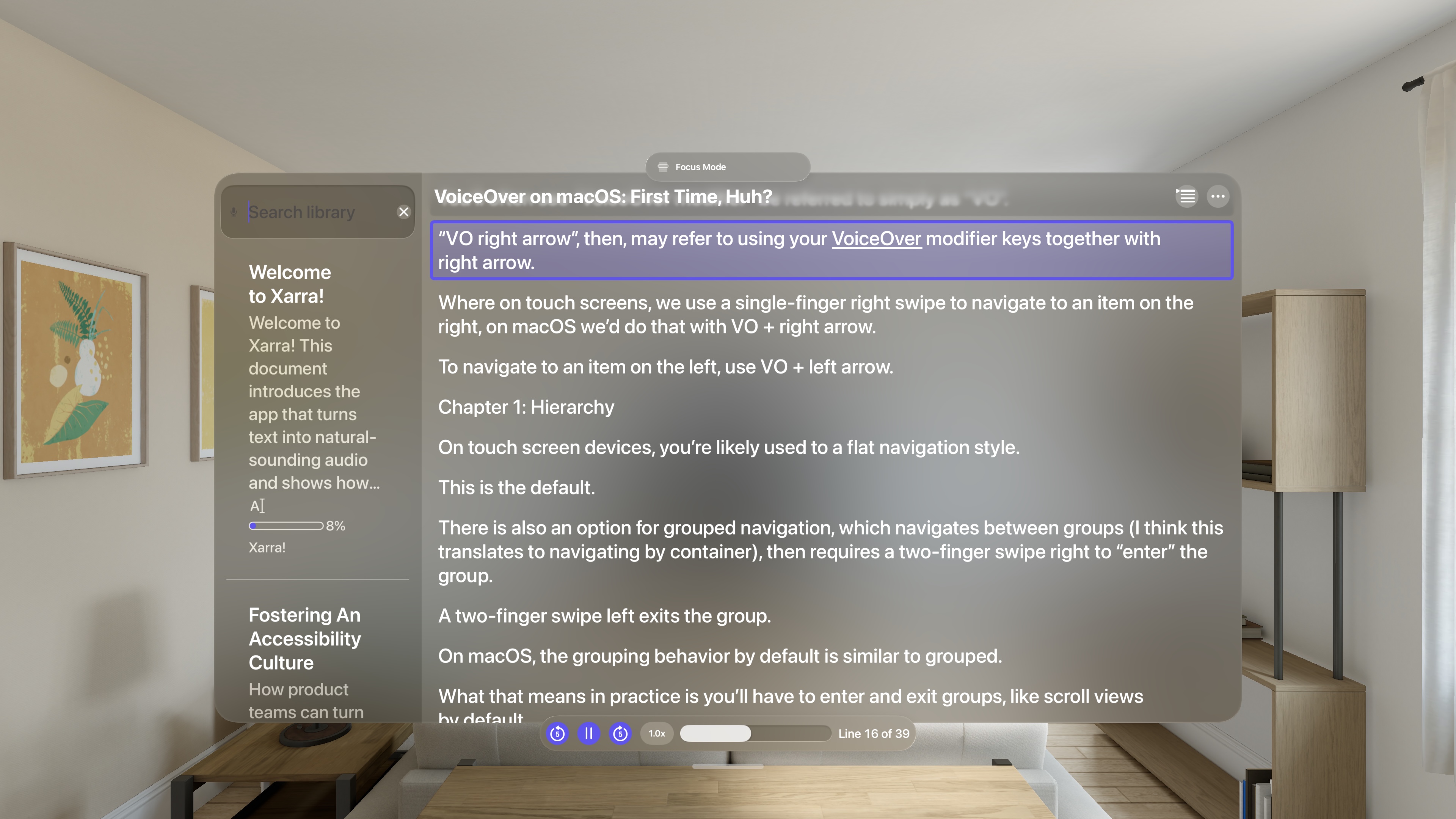
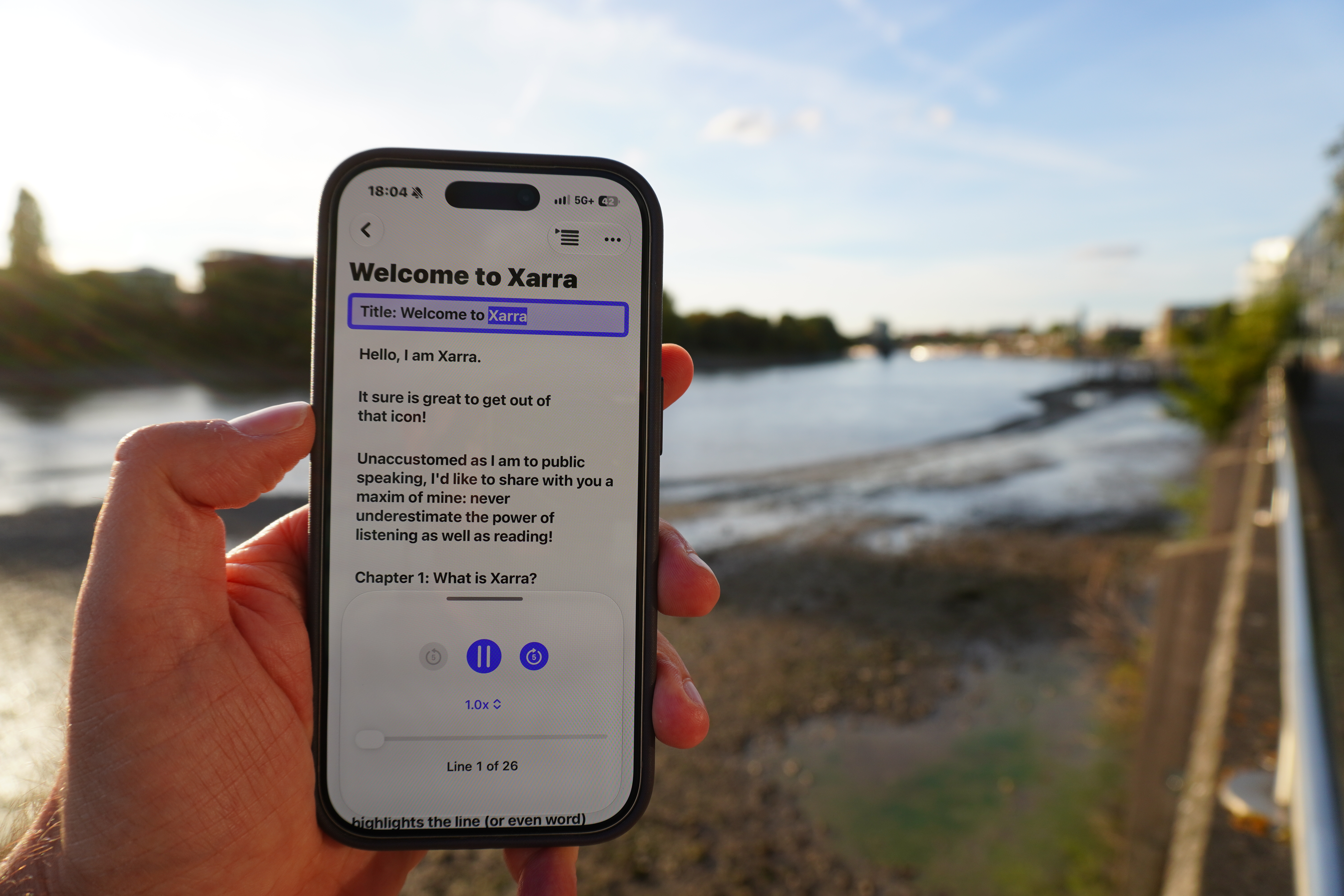
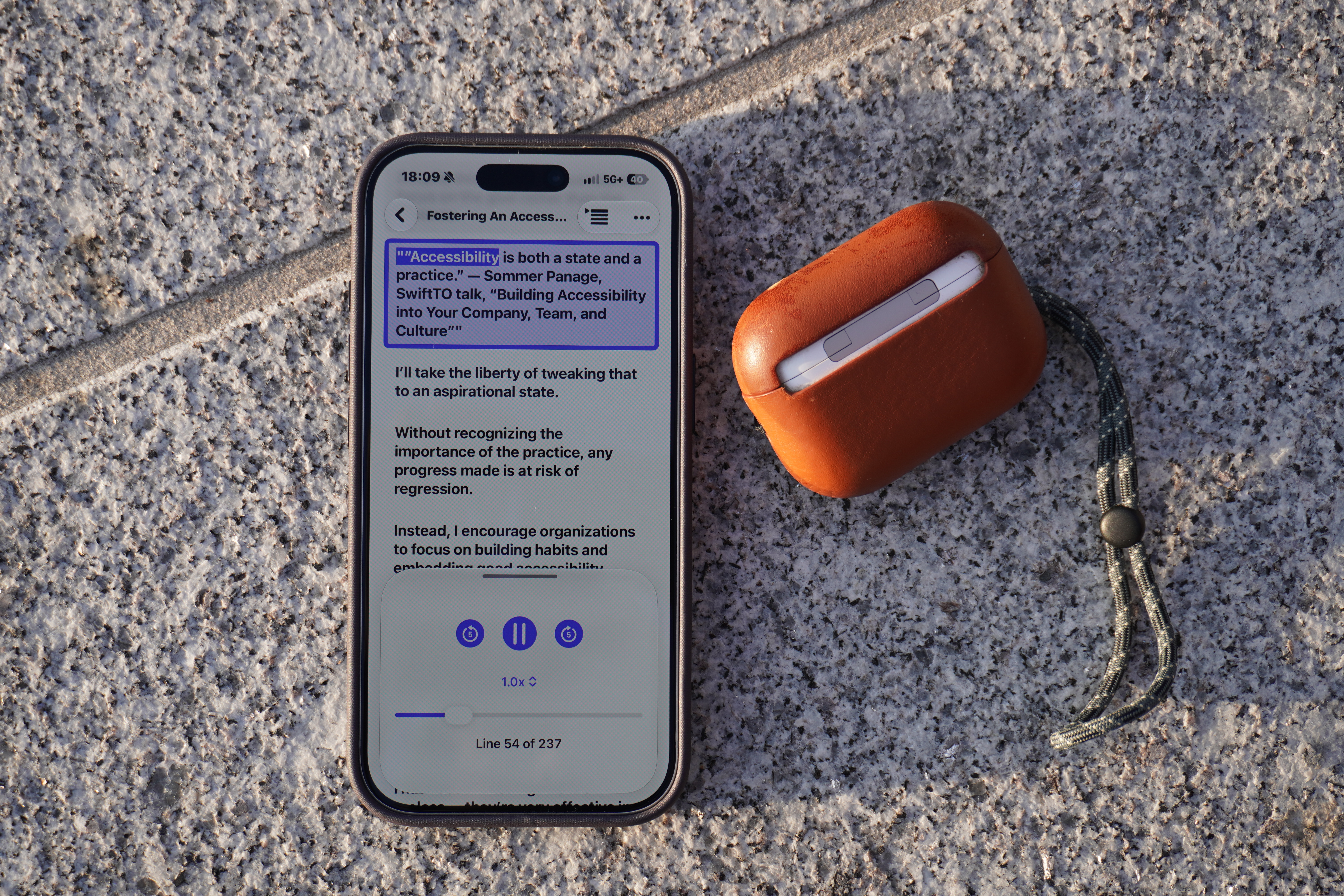
Synchronized line highlighting keeps audio and text together. Spoken words can be underlined, highlighted with a background, or left unmarked.
Made for Apple devices
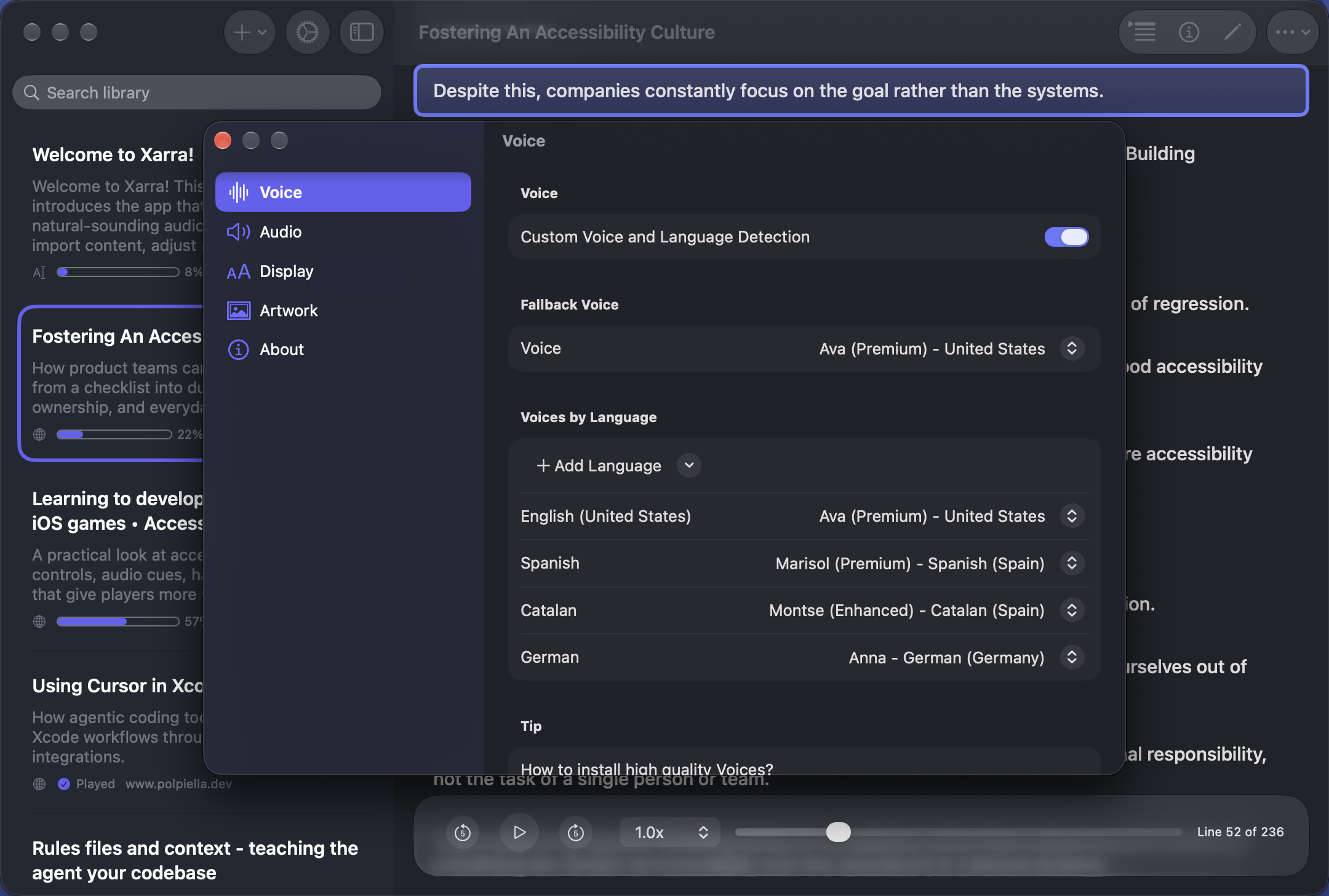
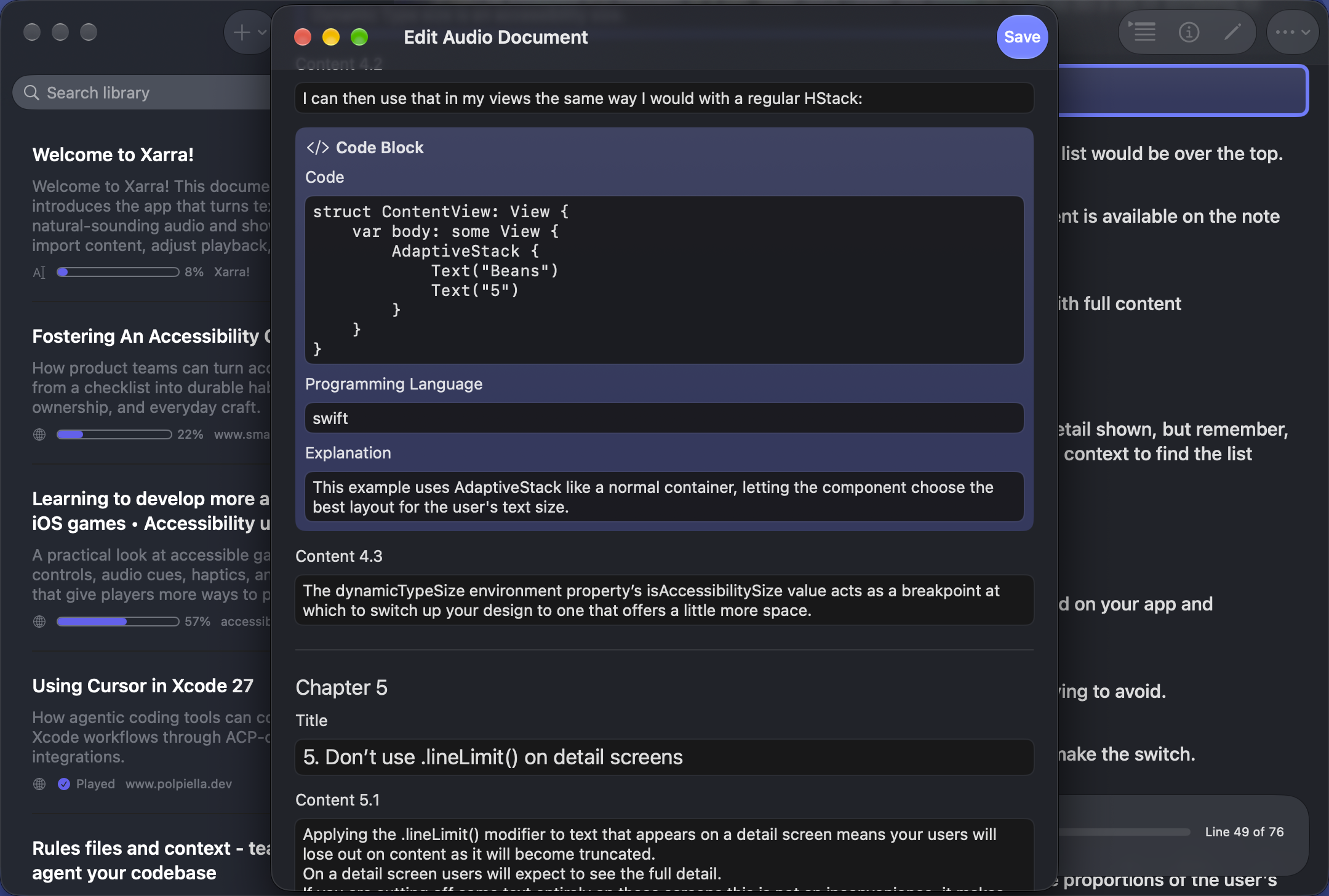
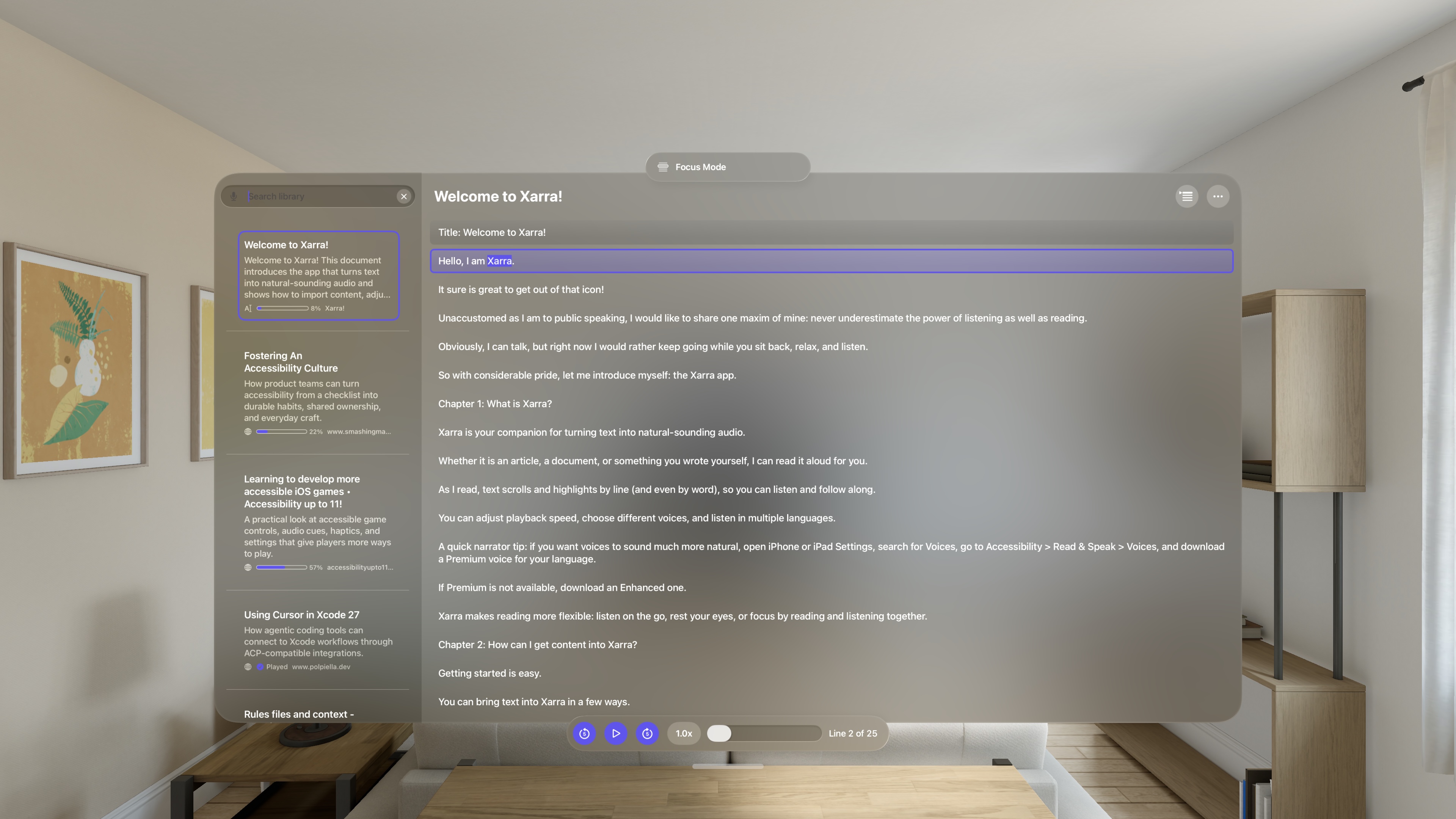
A native experience on iPhone — including iPhone Duo — iPad, Mac, and Apple Vision Pro, with an interface designed for each device and available space.
Find and start faster
On supported systems, search the Xarra library with Siri, discover documents in Spotlight, or use Shortcuts to resume, play, or open a document.
Continue across devices
Your library and listening position can sync through your private iCloud account.
Lightweight and private
A small app download using Apple's on-device voices. No Xarra account, ads, analytics, or trackers; downloaded content works offline.
Accessible interaction
Supports VoiceOver, Voice Control, Switch Control, Full Keyboard Access, Dynamic Type (including all larger accessibility text sizes), and other system accessibility settings.
Smarter listening
On supported devices, Apple Intelligence can summarise content, suggest tags and categories, and turn code blocks into natural, audio-friendly explanations.
Screenshots
Screenshots, photos, icons, and artwork may be used for editorial coverage of Xarra. Please credit Xarra / Dani Devesa Derksen-Staats for the photos, screenshots, and Xarra artwork, GAAD Foundation for the Gaadys mark, and Raúl Gil for the app icon. Full-resolution files are in the downloadable press kit.
App icon
Designed by illustrator Raúl Gil.
About the developer
Dani Devesa Derksen-Staats is an accessibility specialist and independent developer from Xàbia in the Marina Alta region of the Valencian Community, Spain, and is based in London. He currently works at Yoto and has previously worked at Apple (as a contractor), Spotify, and the BBC. He writes Accessibility up to 11! and is the author of the book Developing Accessible iOS Apps.
More information
Press contact
Dani Devesa Derksen-Staats: hello@accessibilityUpTo11.com
Product photos
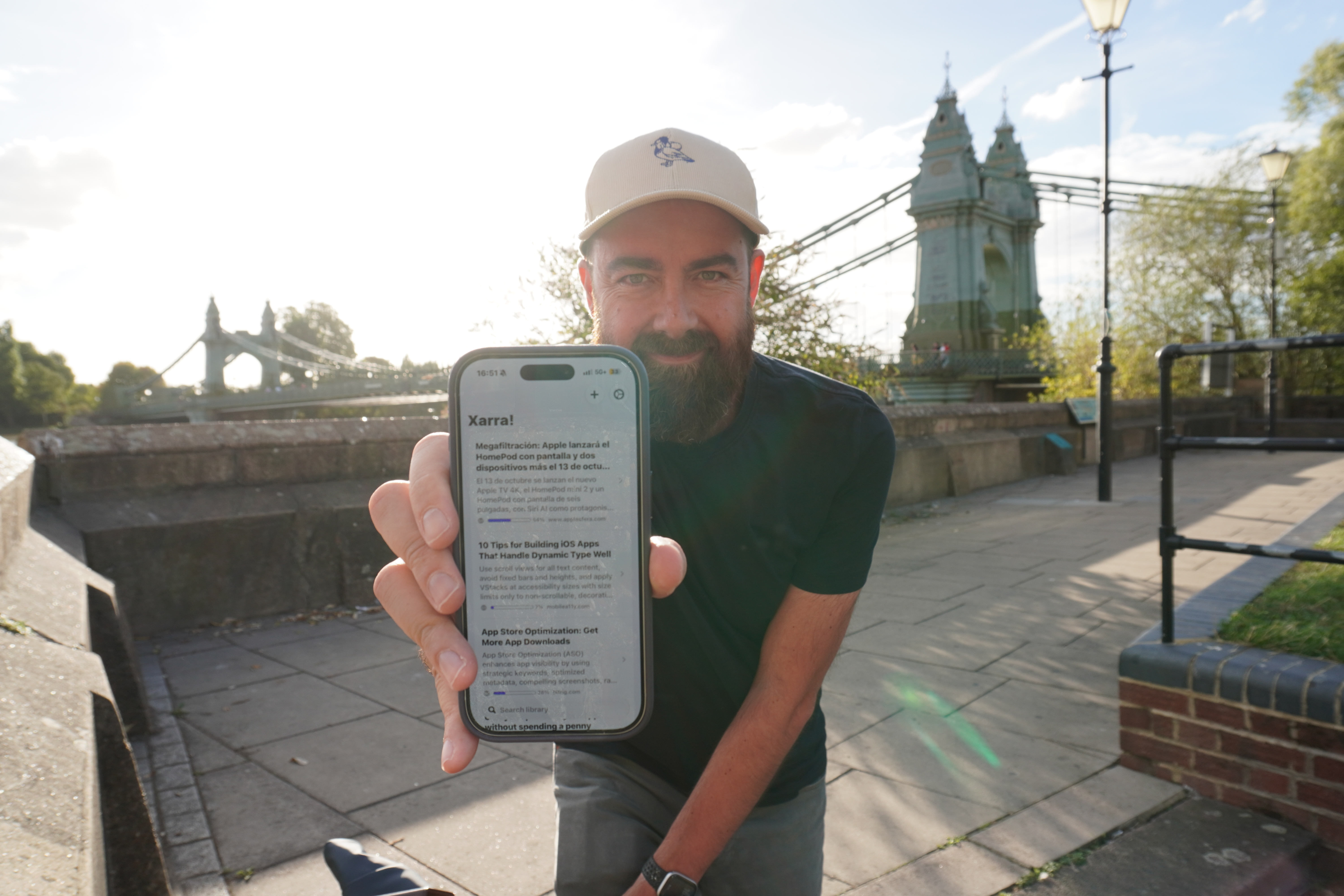
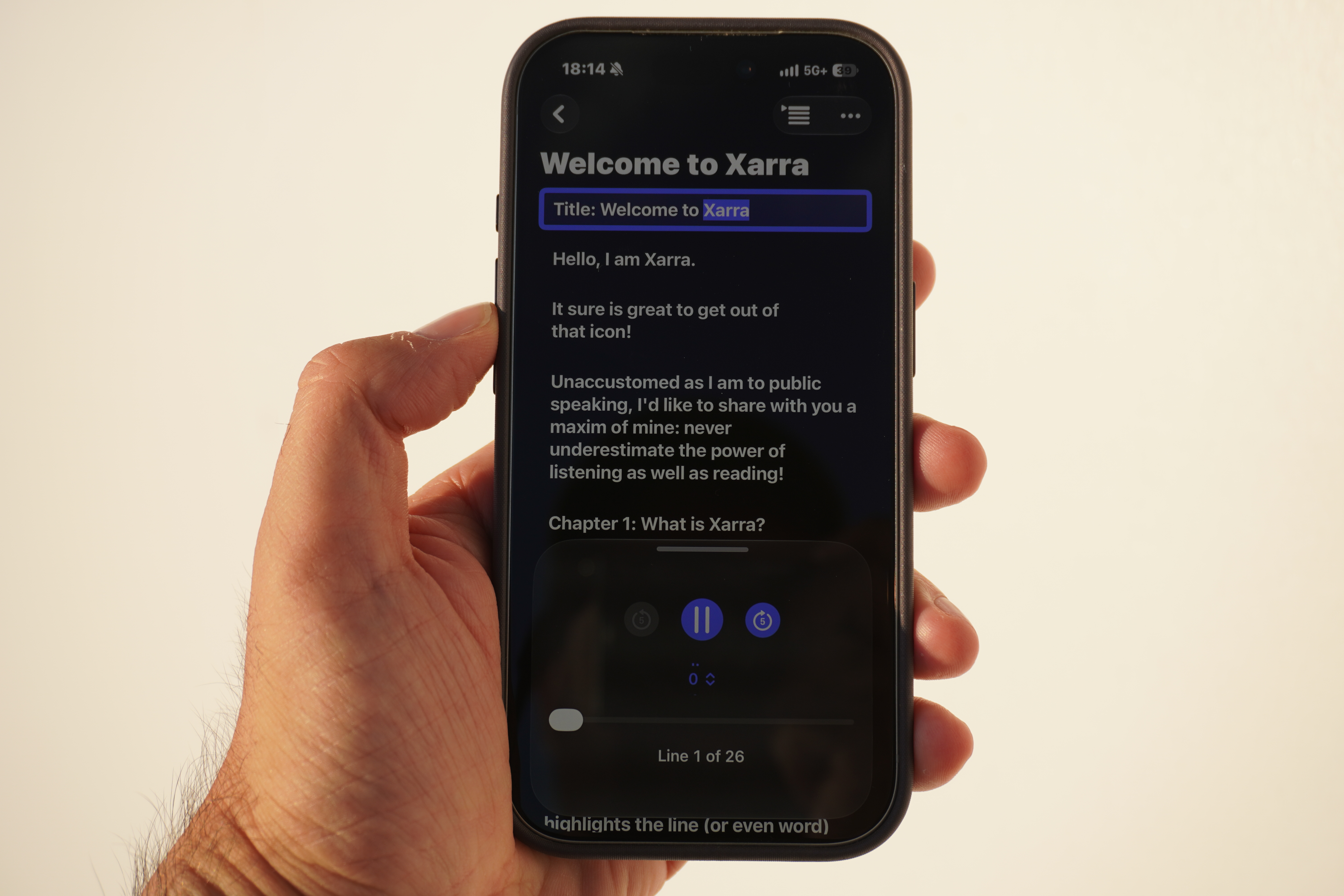
Photographs by Dani Devesa Derksen-Staats on the Thames Path in Hammersmith, London.
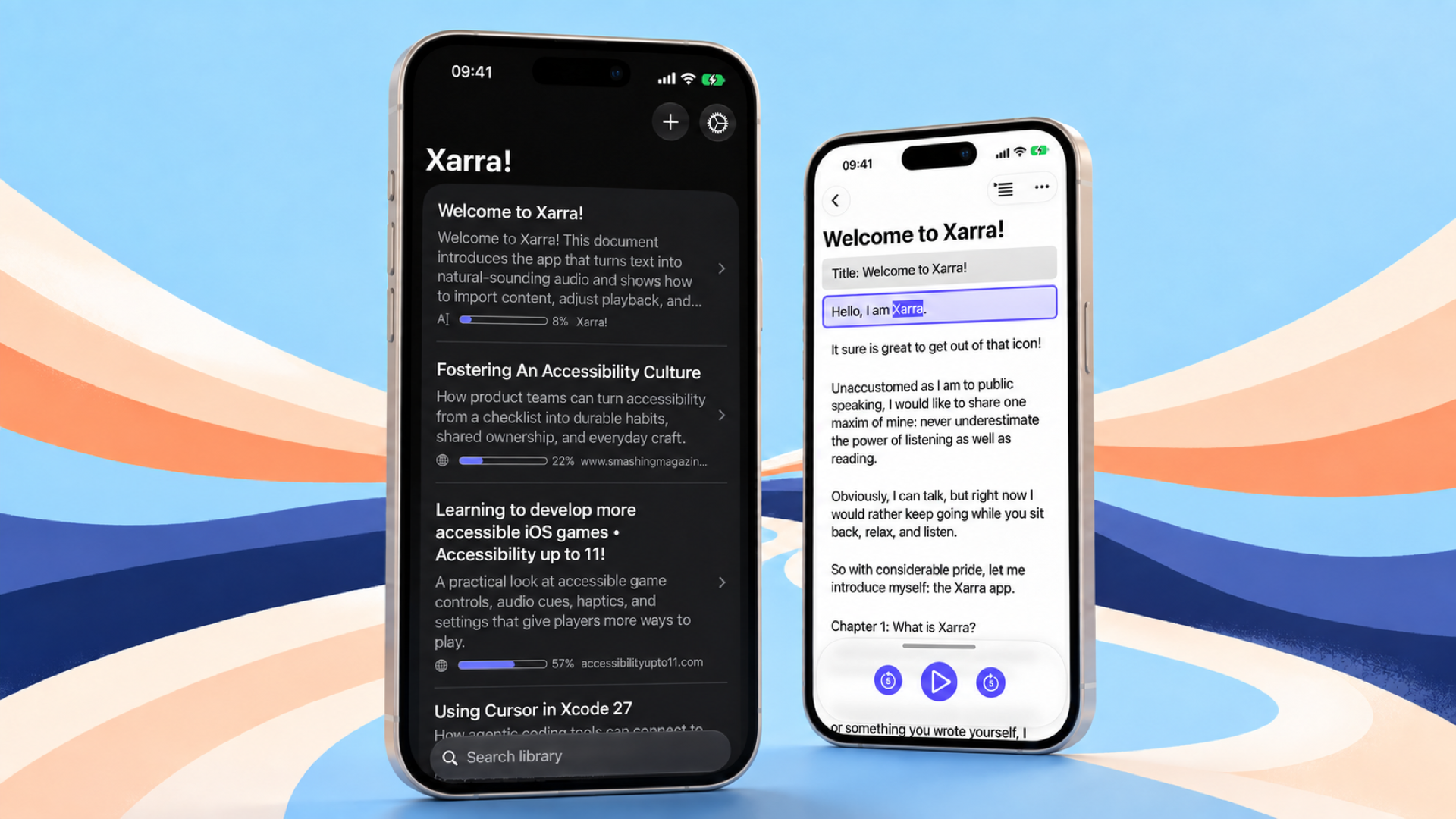
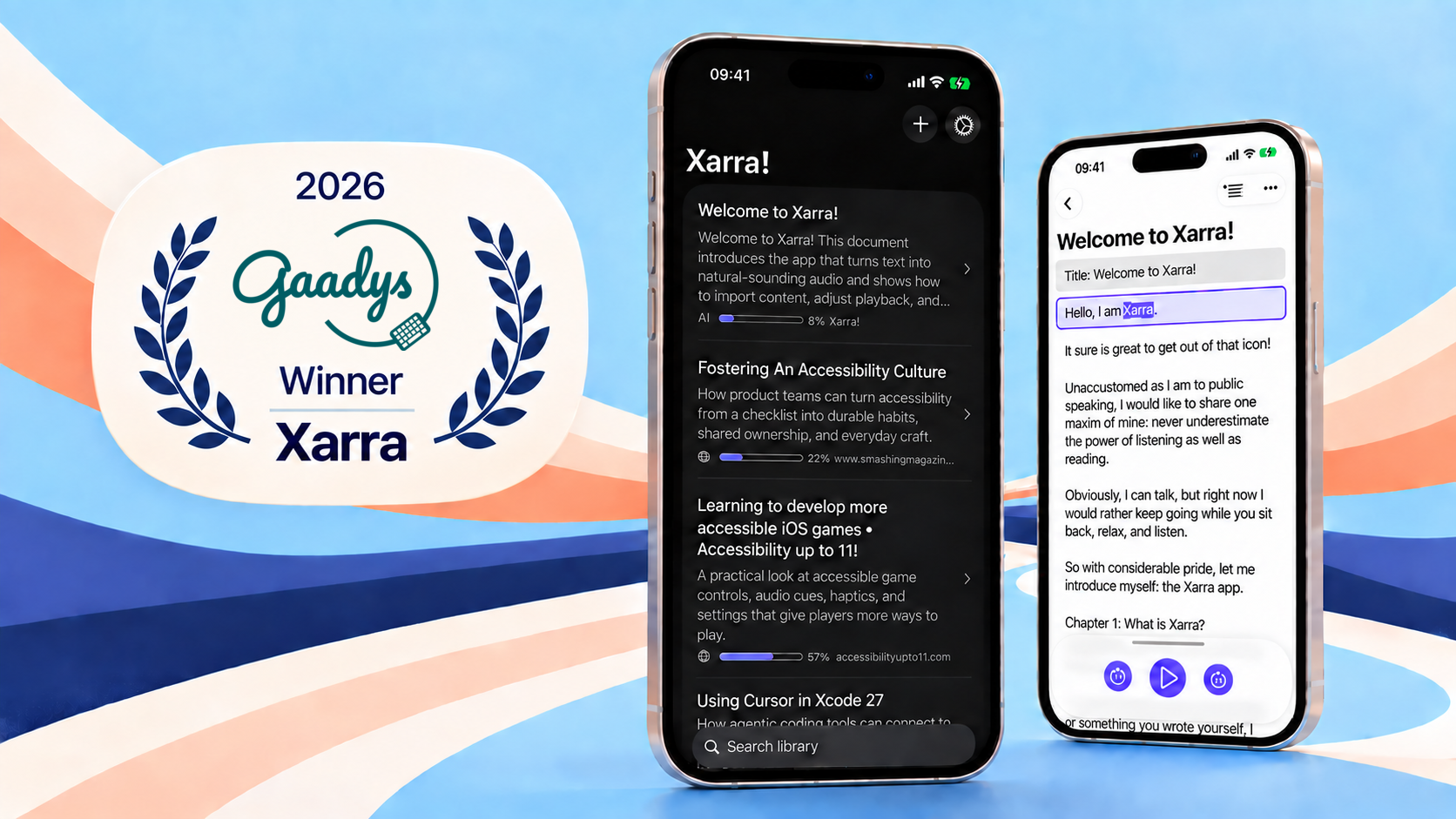
Xarra! artwork
Resumen para medios en español
Xarra es una app para iPhone, iPad, Mac y Apple Vision Pro creada por Dani Devesa Derksen-Staats, desarrollador independiente de Xàbia afincado en Londres. Su nombre viene de una palabra valenciana/catalana que significa «charlar» o «hablar». Convierte texto en audio, desde artículos y entradas de blog hasta libros y documentos.
Puedes leer, escuchar o combinar ambas cosas, con resaltado sincronizado de líneas y, si lo prefieres, de palabras para seguir mejor el texto. Permite importar PDF, EPUB, Markdown, publicaciones DAISY, enlaces y texto; navegar por capítulos; y continuar en otros dispositivos mediante iCloud.
En iPhone Duo, la interfaz se adapta al espacio disponible. En sistemas compatibles, también puedes buscar en tu biblioteca con Siri, encontrar documentos con Spotlight y usar Atajos para reanudar, reproducir o abrir una lectura.
Está disponible en el App Store y se puede descargar gratis, con opciones Premium. El 10% de los ingresos de las suscripciones se dona a AMMEC, una asociación valenciana que apoya a personas con discapacidades físicas y a sus familias.
En 2026, Xarra fue una de las cinco ganadoras de los Premios Gaady de la GAAD Foundation.
Para entrevistas o materiales de prensa: hello@accessibilityUpTo11.com.
Ver la demostración de Xarra en español