Xarra! Press Kit
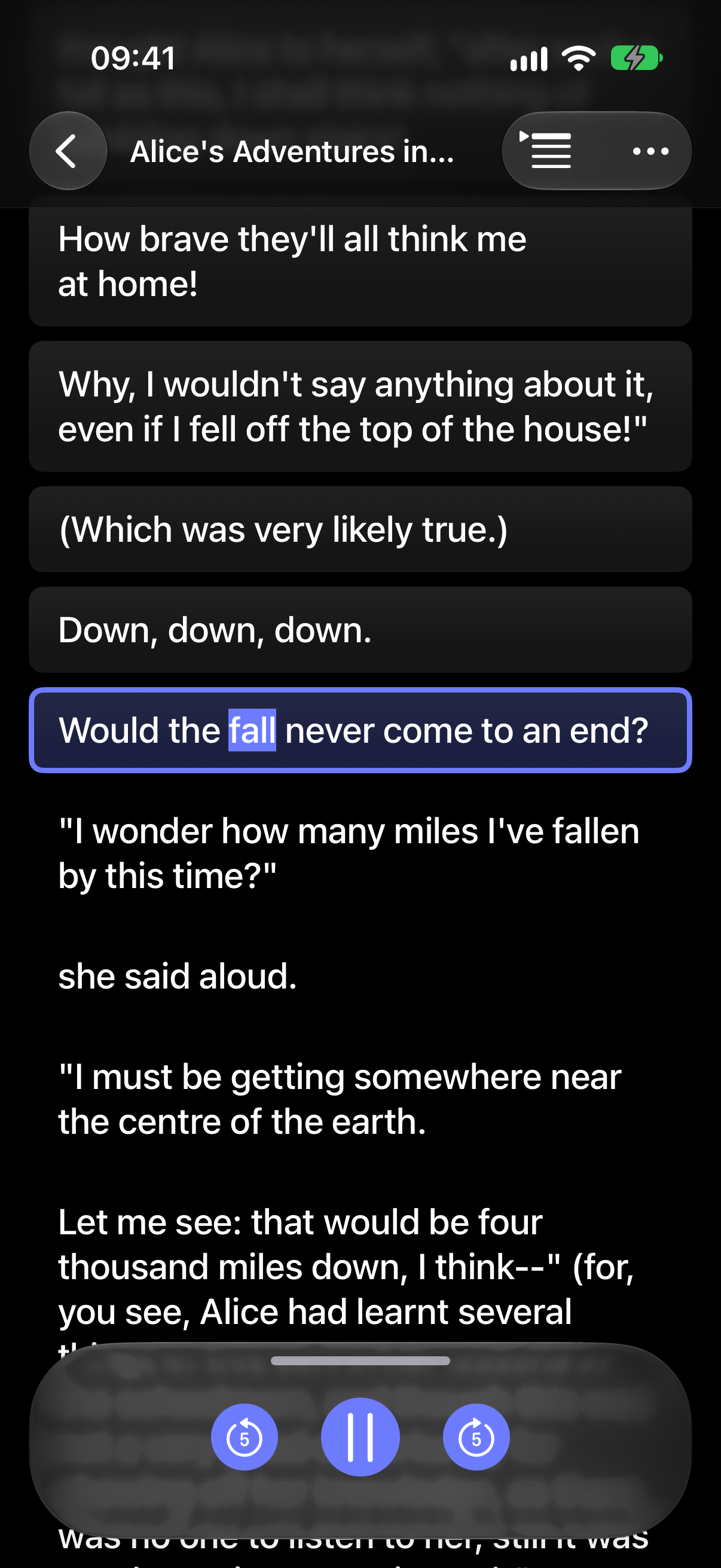
Xarra turns text into audio so you can get through articles, blog posts, books, and documents your way: read, listen, or do both, with synchronized line and optional word highlighting to help you stay focused.
At a glance
App
Xarra: Read, Listen, Focus
What it does
Turns text into audio, from articles and blog posts to books, documents, and notes. Read, listen, or do both, with line and optional word highlighting to help you follow along.
Price
Free download. Premium: US $1.99/month, $9.99/year, or $29.99 lifetime. Prices may vary by region.
Platforms
iPhone, iPad, Mac, and Apple Vision Pro
Requirements
iOS, iPadOS, macOS, or visionOS 26.0 or later, respectively
Availability
Available now on the App Store
First released
March 2026
Developer
Daniel Devesa Derksen-Staats, independent developer from Xàbia, based in London
Privacy
No account, ads, analytics, or tracking. Documents stay on device and can sync through the user's private iCloud account.
Press contact
hello@accessibilityUpTo11.comAbout Xarra
One sentence
Xarra turns text into audio with a synchronized transcript so people can read, listen, or do both as they work through articles, blog posts, books, and documents.
In brief
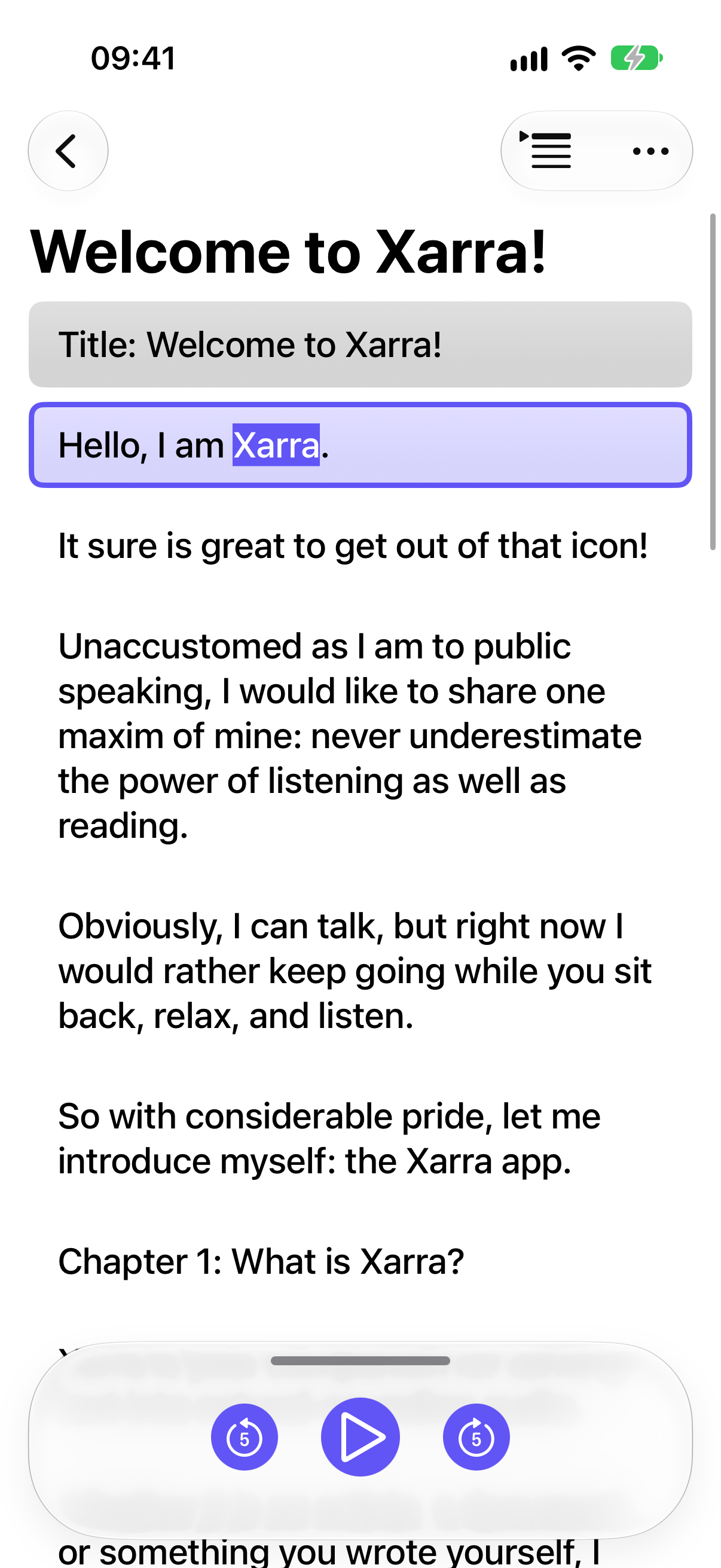
Bring in an article or blog post, PDF, EPUB, DAISY text publication, URL, or your own writing. Read on screen, listen with Apple voices, or combine both. The current line and, optionally, each spoken word are highlighted to help you stay with the text; chapters and iCloud progress sync help you pick up where you left off.
The story
Daniel, in his own words:
I built Xarra because I was finding it harder and harder to get through long pieces of text, especially on a screen. Listening while reading helped me stay with it; seeing the current line and each spoken word highlighted helped even more. I feel I'm reading more and getting through it faster. I understand it better and have to go back over passages less often. I can also take my reading on a walk or keep going while doing chores. Xarra grew out of wanting one place where I could read, listen, or do both, and move between them without losing my place.
From the start, I wanted accessibility and a native experience across Apple platforms to be at the heart of Xarra: the app should meet people where they are, on the devices and with the ways of interacting that already work for them, rather than asking them to adapt to it. I hope it helps more people get through their reading in whatever way works for them.
Key features
Bring in reading
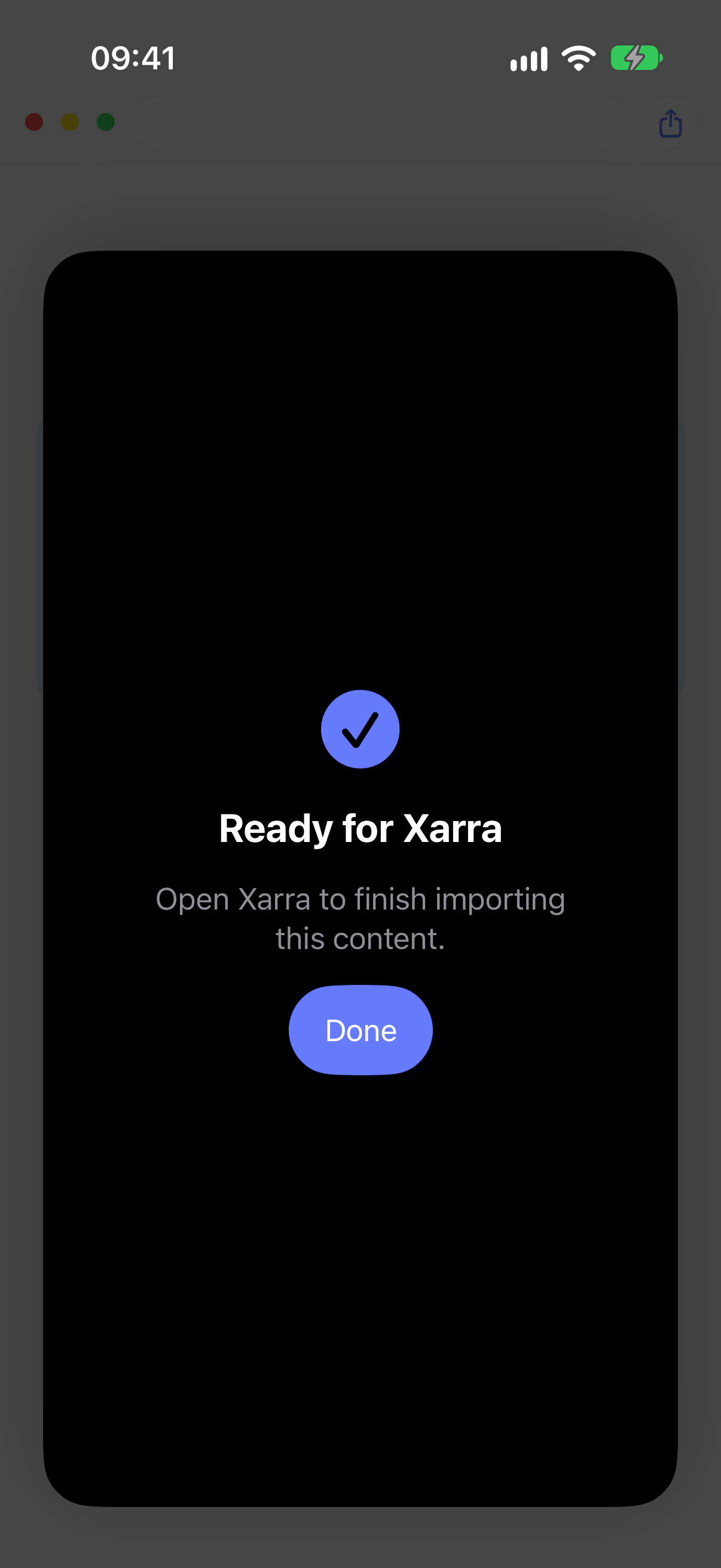
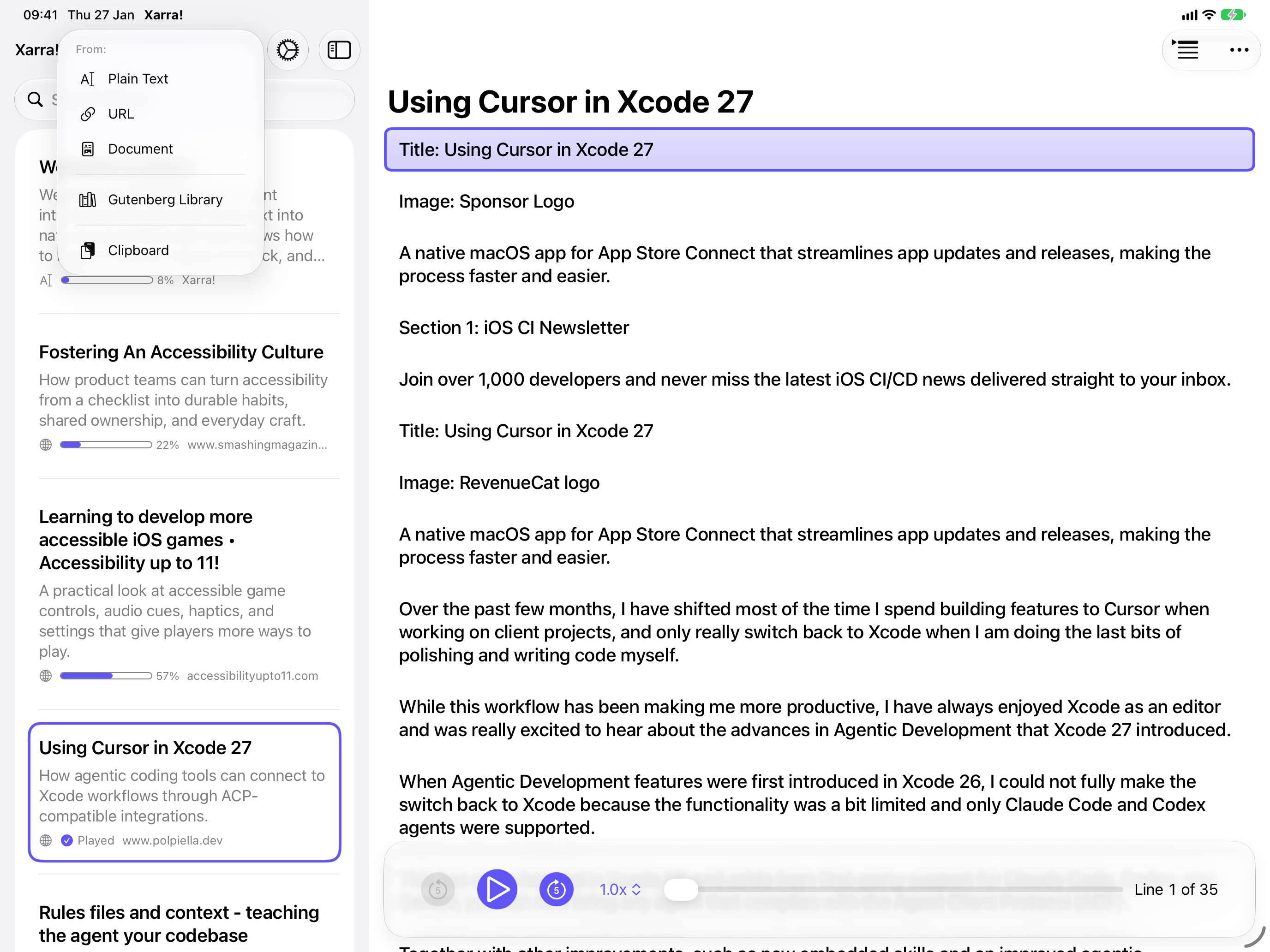
Import PDF, EPUB, Markdown, DAISY, plain text, and other documents; share from another app, paste text, add a URL, or browse Project Gutenberg.
Follow the words
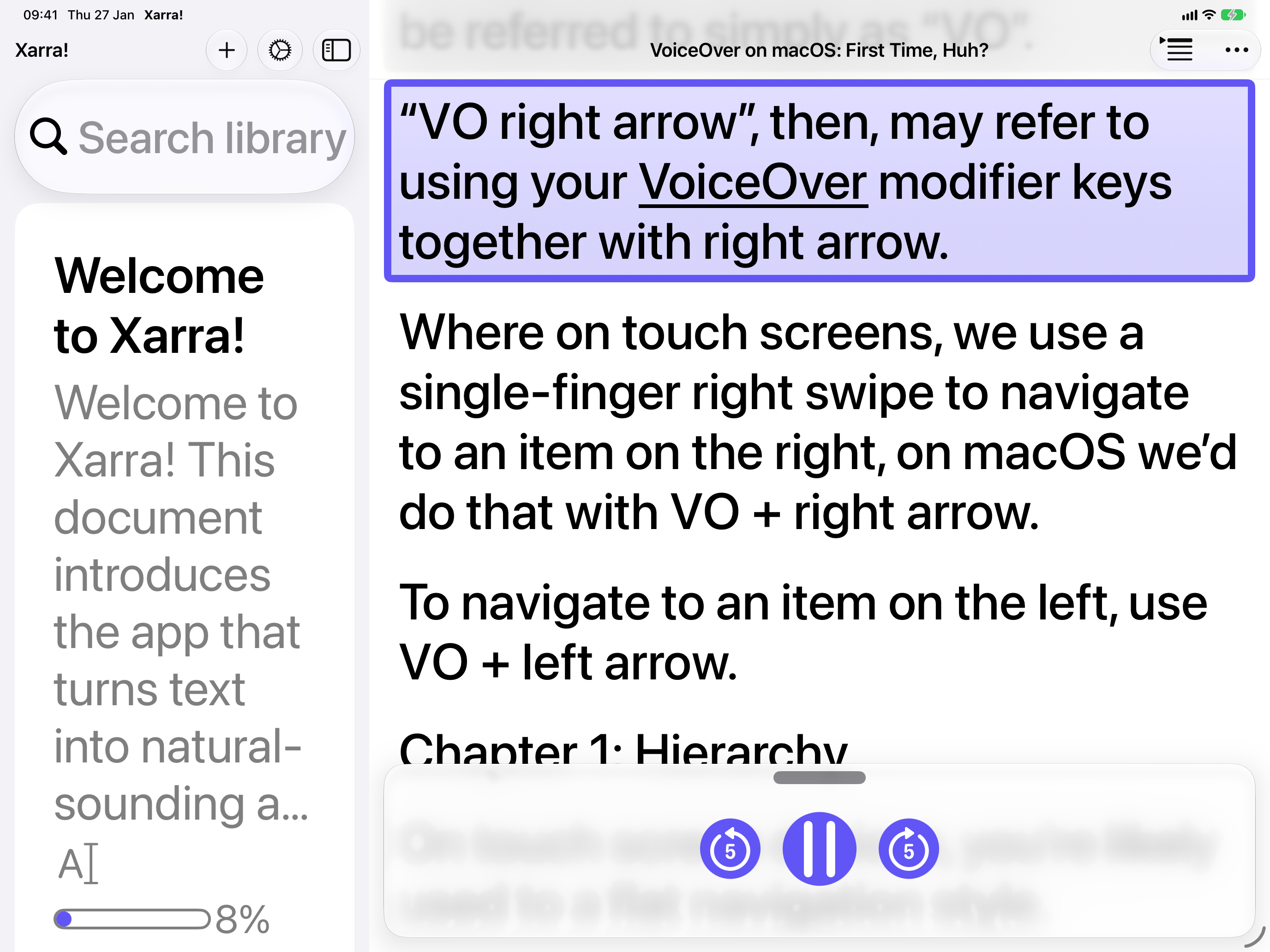
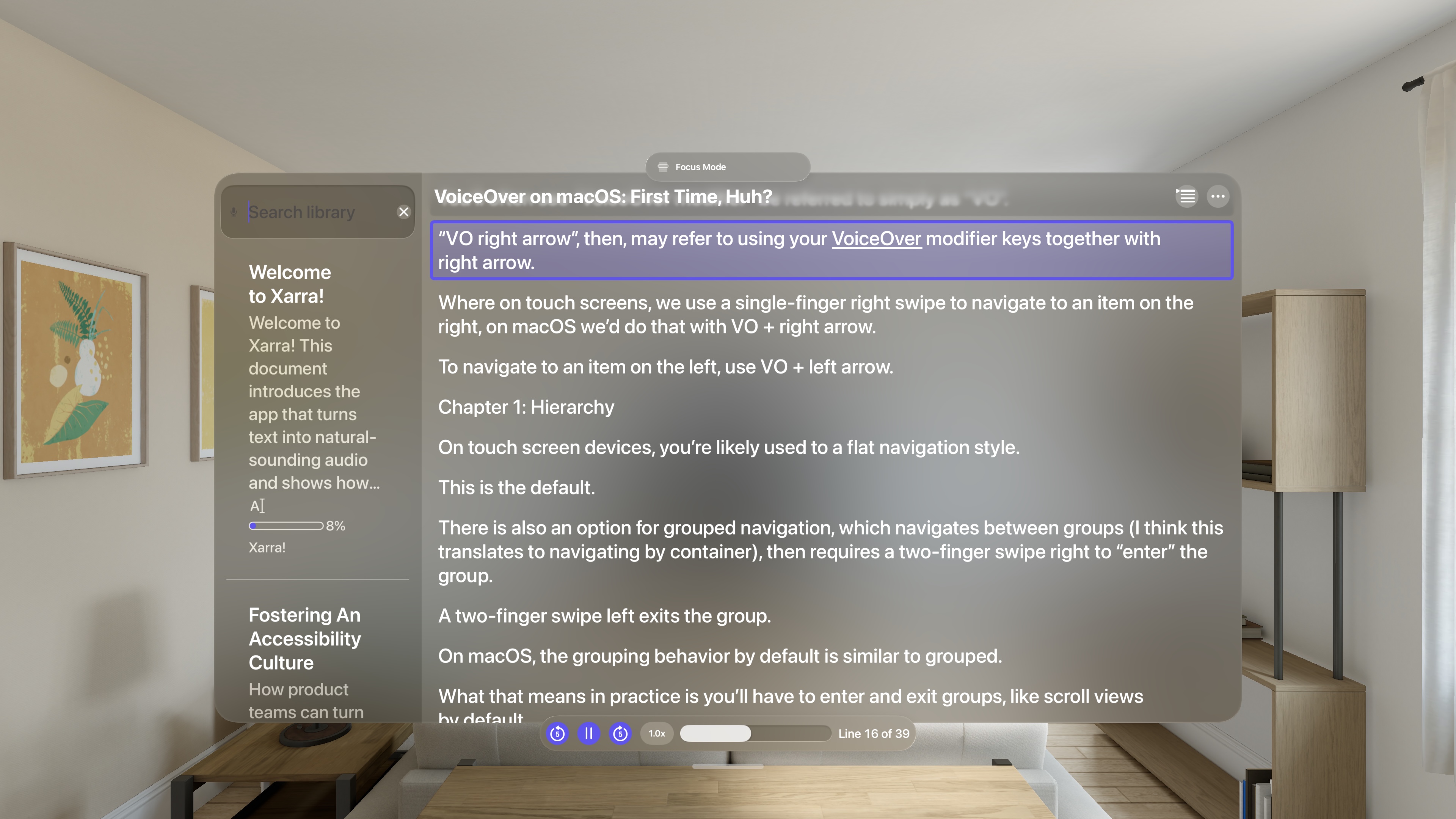
Synchronized line highlighting and optional word highlighting keep audio and text together.
Move through longer work
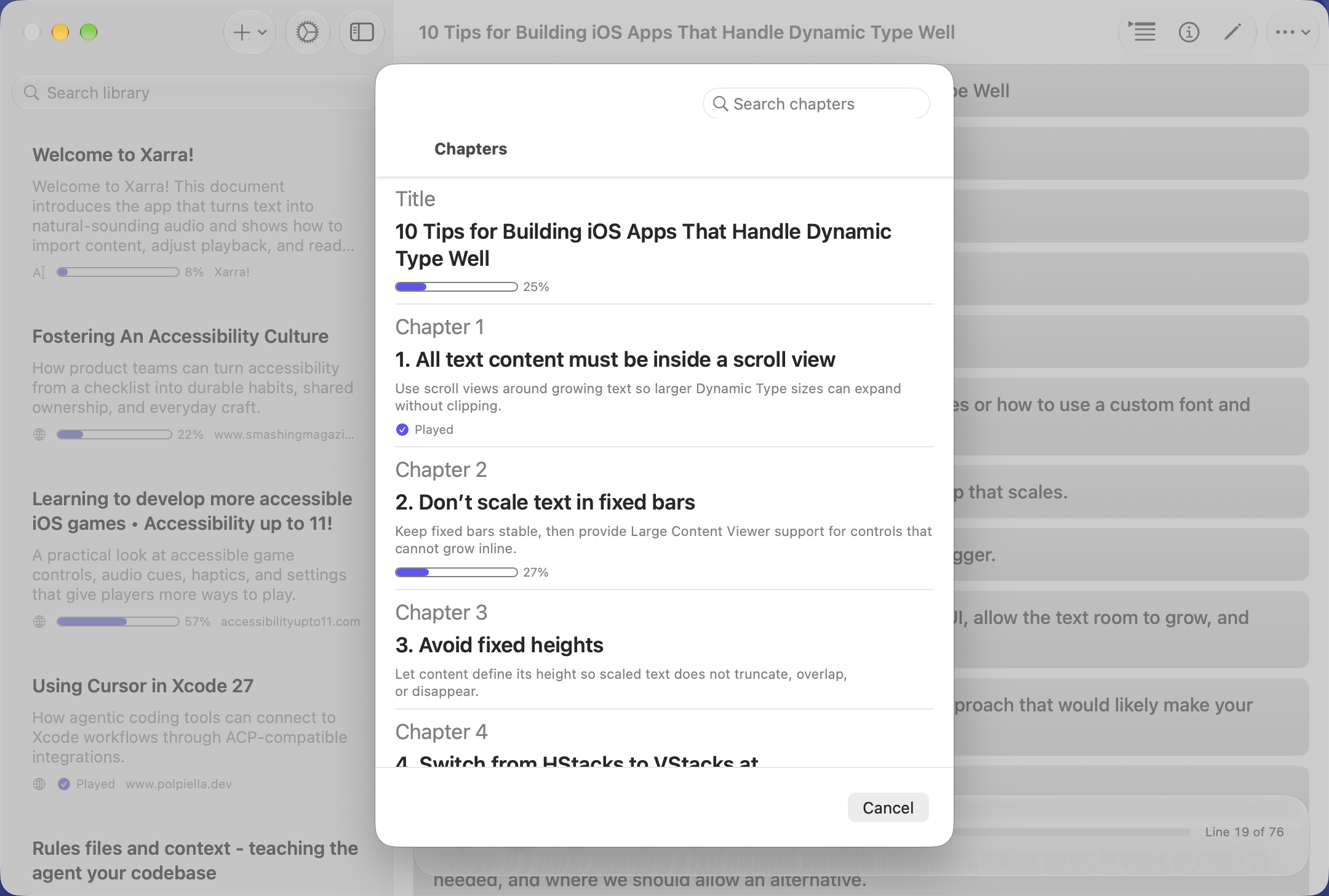
Detected headings become chapters, and playback controls let listeners skip and adjust speed.
Made for Apple devices
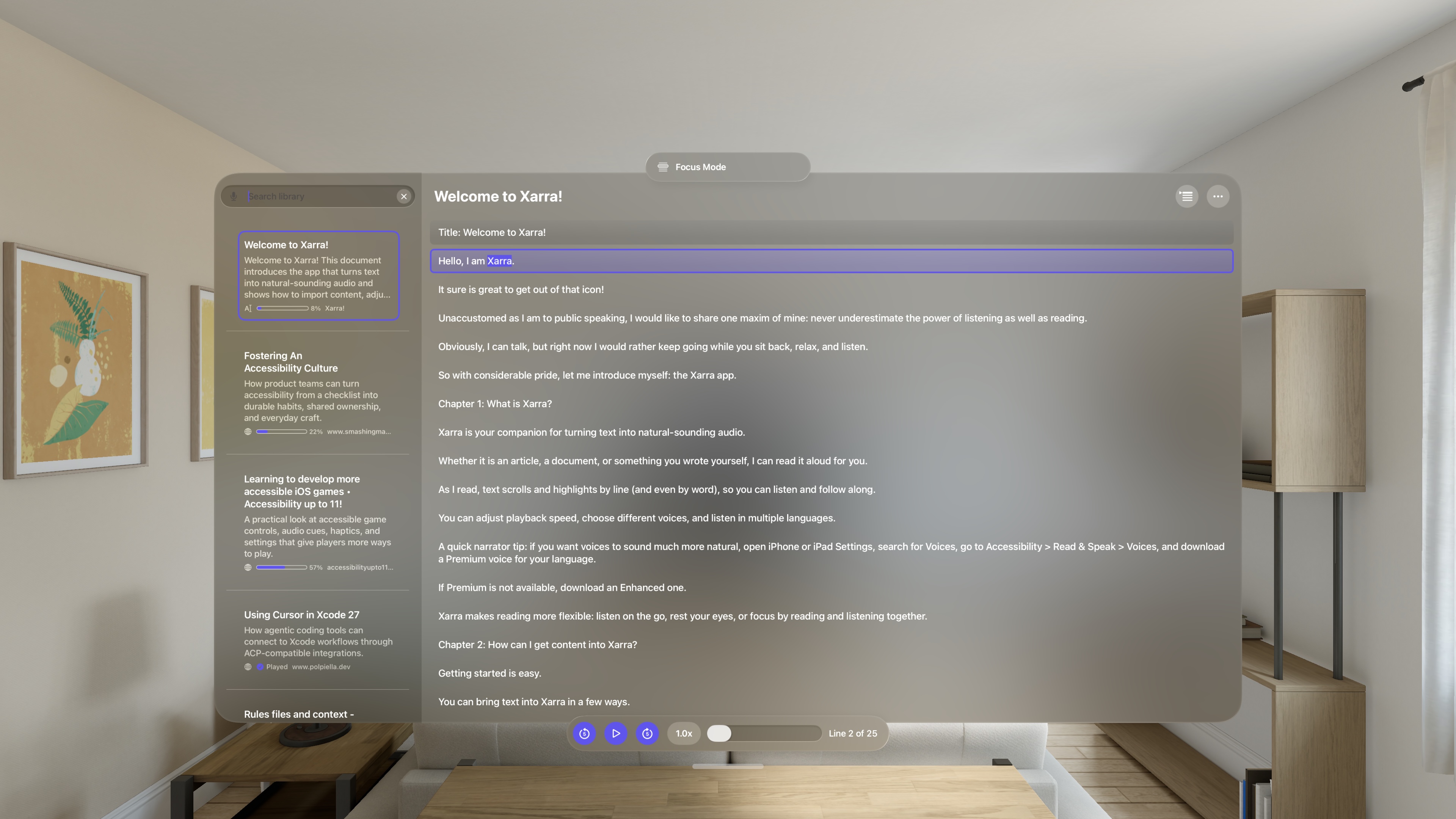
A native experience on iPhone, iPad, Mac, and Apple Vision Pro, with an interface designed for each device.
Continue across devices
Your library and listening position can sync through your private iCloud account.
Lightweight and private
A small app download using Apple's on-device voices. No Xarra account, ads, analytics, or trackers; downloaded content works offline.
Accessible interaction
Supports VoiceOver, Voice Control, Switch Control, Full Keyboard Access, Dynamic Type (including Larger Text), and other system accessibility settings.
Screenshots
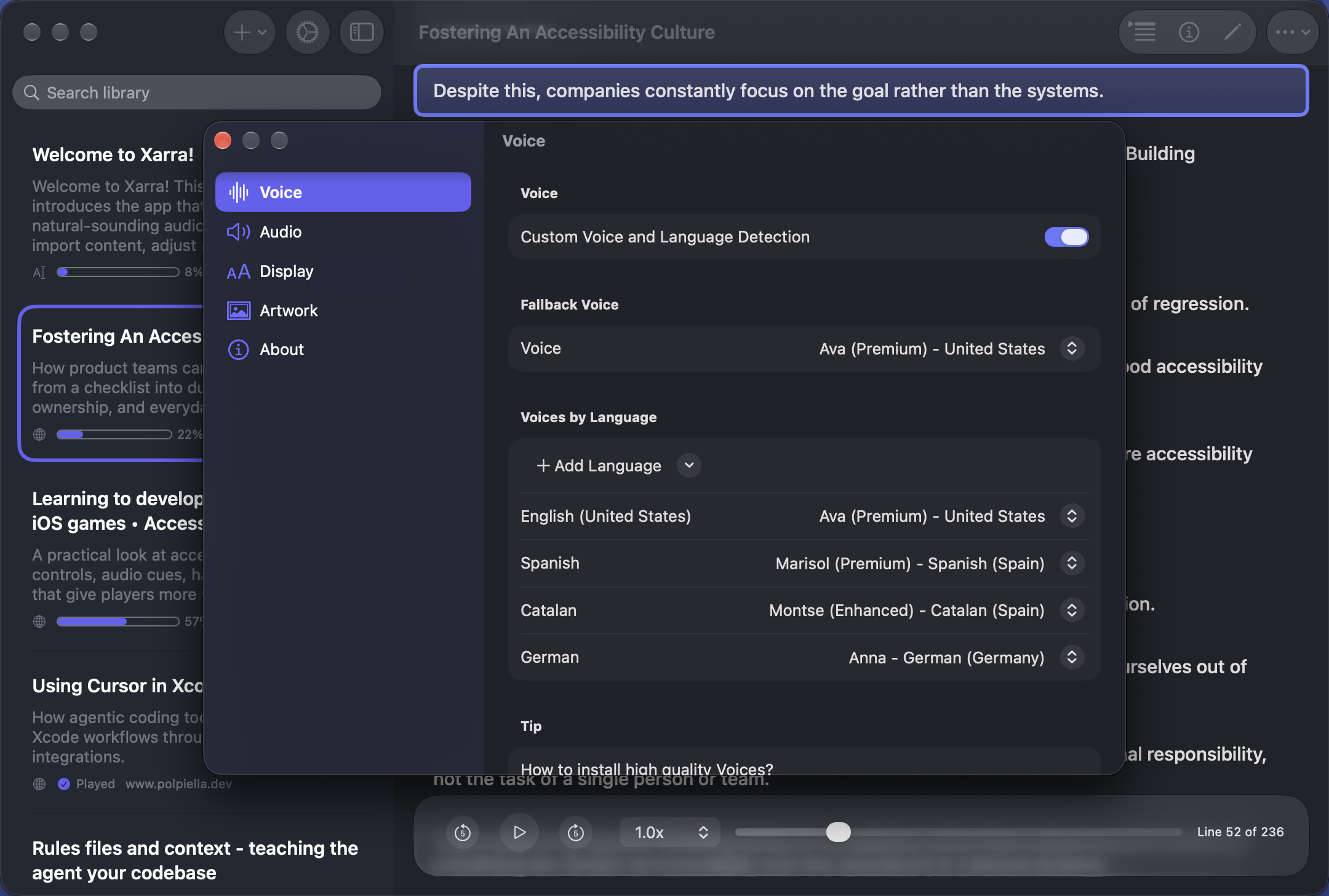
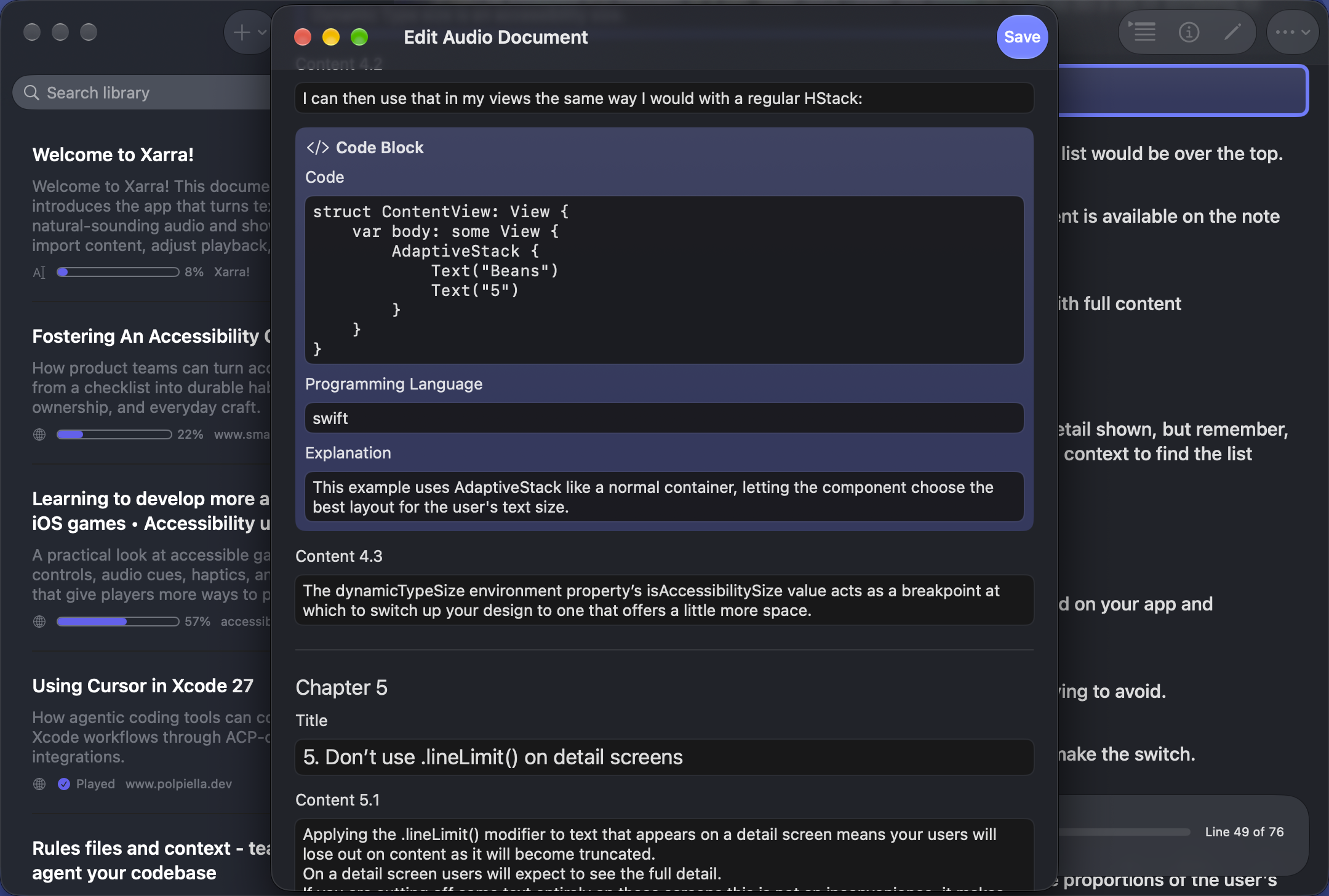
Full-resolution screenshots. View an original in a new tab or download it below, or use the ZIP above.
App icon
PNG originals for publication. The icon is also in the ZIP.
Resumen para medios en español
Xarra es una app para iPhone, iPad, Mac y Apple Vision Pro creada por Daniel Devesa Derksen-Staats, desarrollador independiente de Xàbia afincado en Londres. Convierte texto en audio, desde artículos y entradas de blog hasta libros y documentos. Te ayuda a avanzar con tus lecturas: puedes leer, escuchar o combinar ambas cosas, con resaltado sincronizado de líneas y, si quieres, de palabras para seguir mejor el texto. Permite importar PDF, EPUB, publicaciones DAISY, enlaces y texto; navegar por capítulos; y continuar en otros dispositivos mediante iCloud. Está disponible en el App Store y se puede descargar gratis, con opciones Premium. Para entrevistas o materiales de prensa: hello@accessibilityUpTo11.com.
About the developer
Daniel Devesa Derksen-Staats is an accessibility specialist and independent developer from Xàbia in Spain's Marina Alta, based in London. He writes Accessibility up to 11! and is the author of Developing Accessible iOS Apps. Xarra is his native Apple app for reading and listening.
More information
Featured in
"The app developed by Daniel is well integrated into the system. (...) Accessibility runs through the whole experience rather than sitting on top of it."
- Create with Swift Weekly Newsletter #101 (Indie App of the Week)